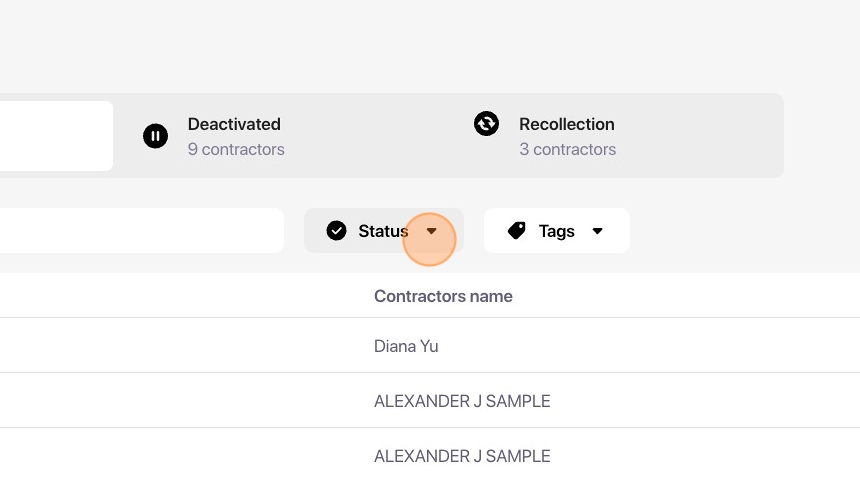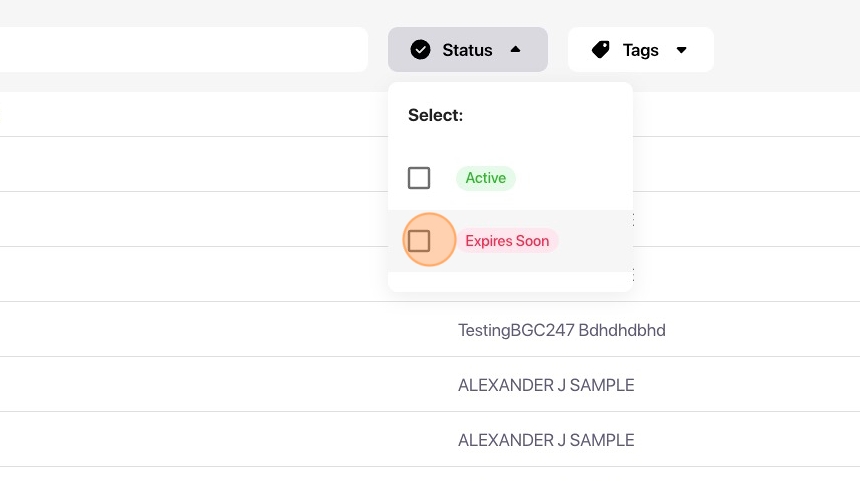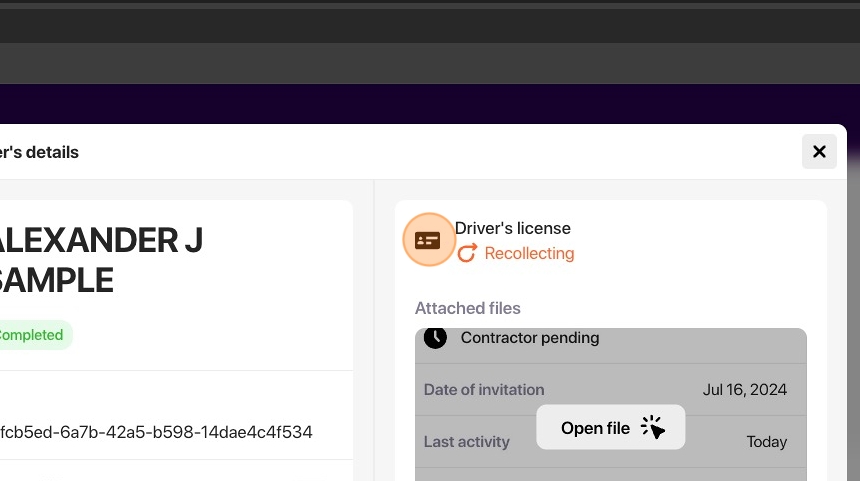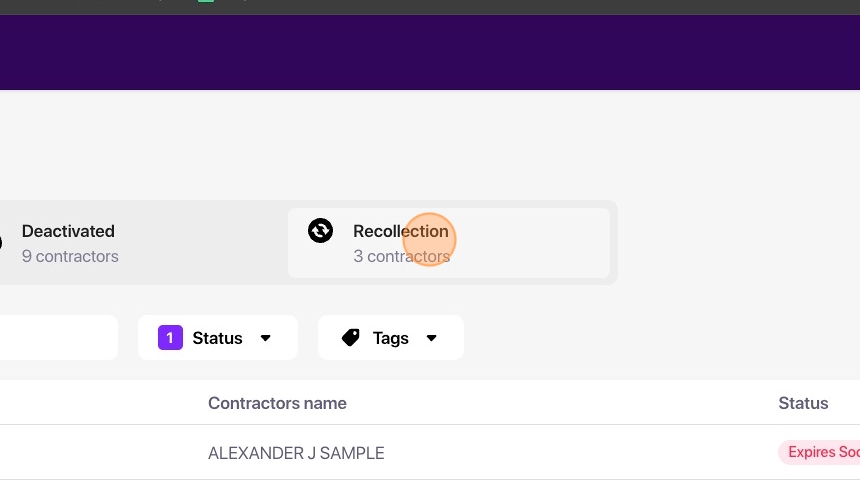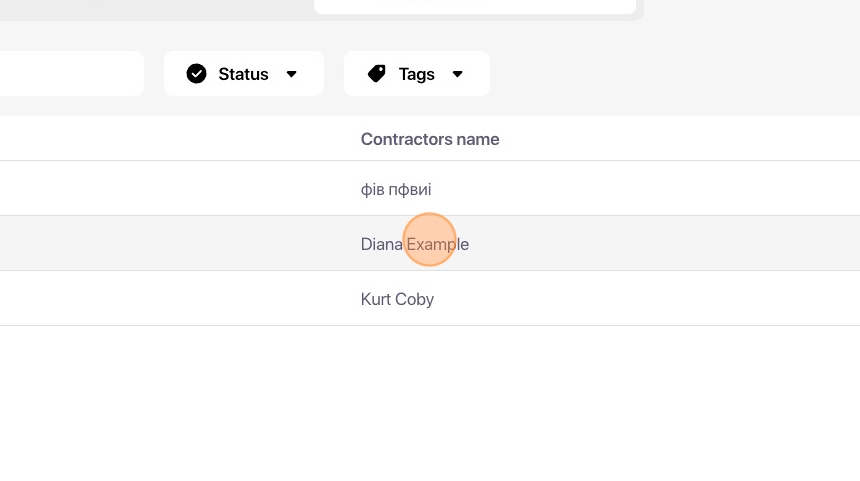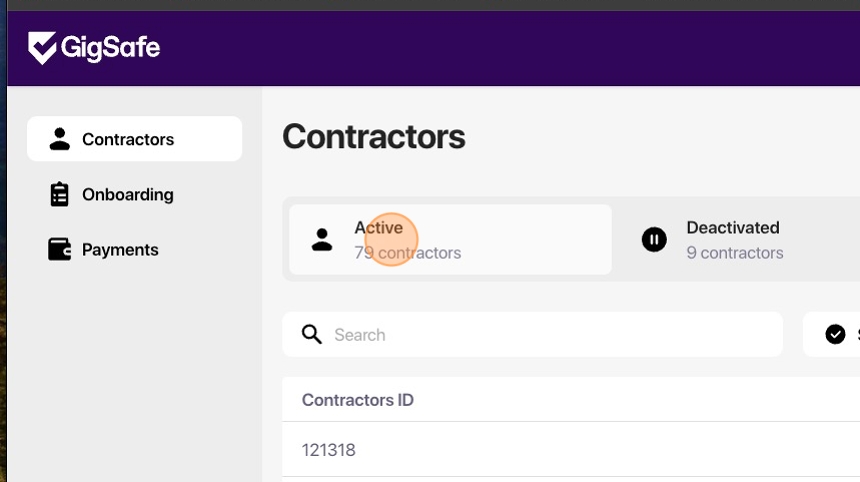
GigSafe's automated monitoring system efficiently ensures that contractor documents are current and compliant without manual work needed. This guide shows you how to view contractors that are having documents recollected, and how to approve recollected documents.
<aside> ℹ️ Tip: GigSafe automatically monitors documents for compliance, focusing on expiration dates. When a document is 30 days from expiring, our system automatically contacts the contractor to initiate recollection and continues to follow up until the document is updated.
</aside>