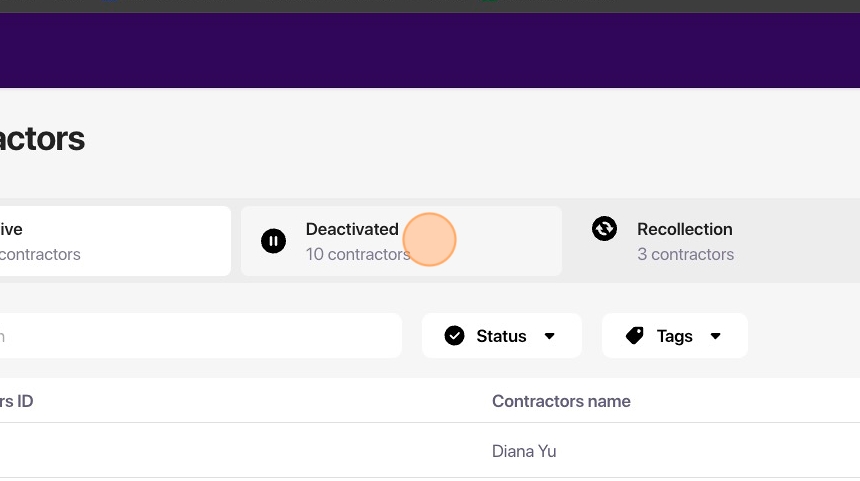
How to manually deactivate contractors.
<aside>
⚠️ Alert: When you deactivate a contractor:
- You will not be able to pay them
- You will not be billed any monthly fees for that contractor
- When you reactivate the contractor, they will not count against your monthly onboarding limit (if applicable)
</aside>
<aside>
⚠️ Alert: When you deactivate a contractor:
- It is difficult to ‘Re-onboard’ them - so please don’t use this as a ‘reset’ option.
</aside>
1. Head to <Contractors> and click "Active"
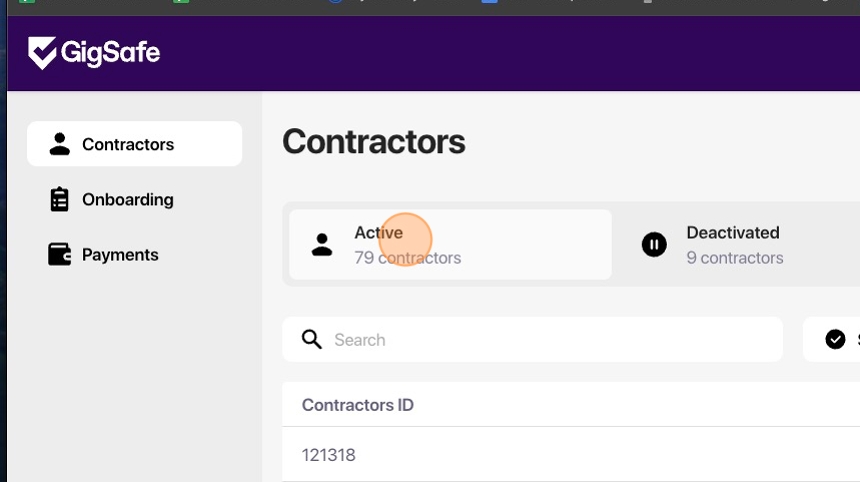
2. Click on the contractor you want to deactivate
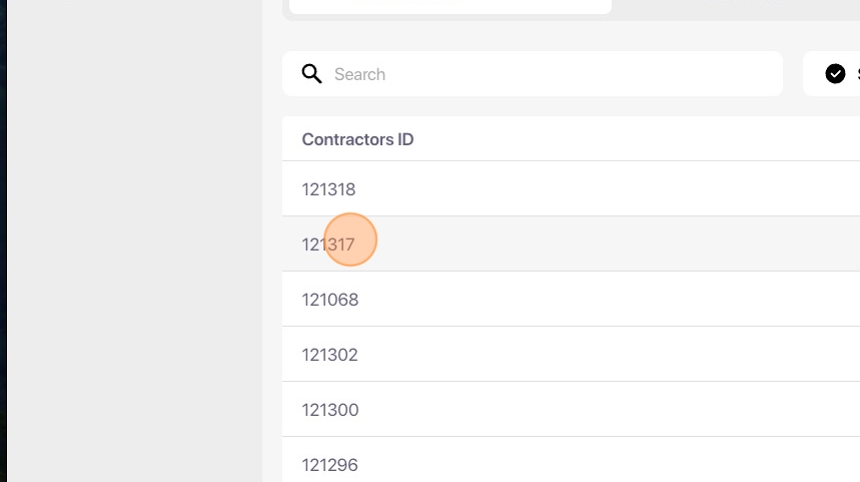
3. Click "Deactivate contractor"

4. Confirm you want to deactivate the contractor

5. The contractor will now appear in the "Deactivated" tab