
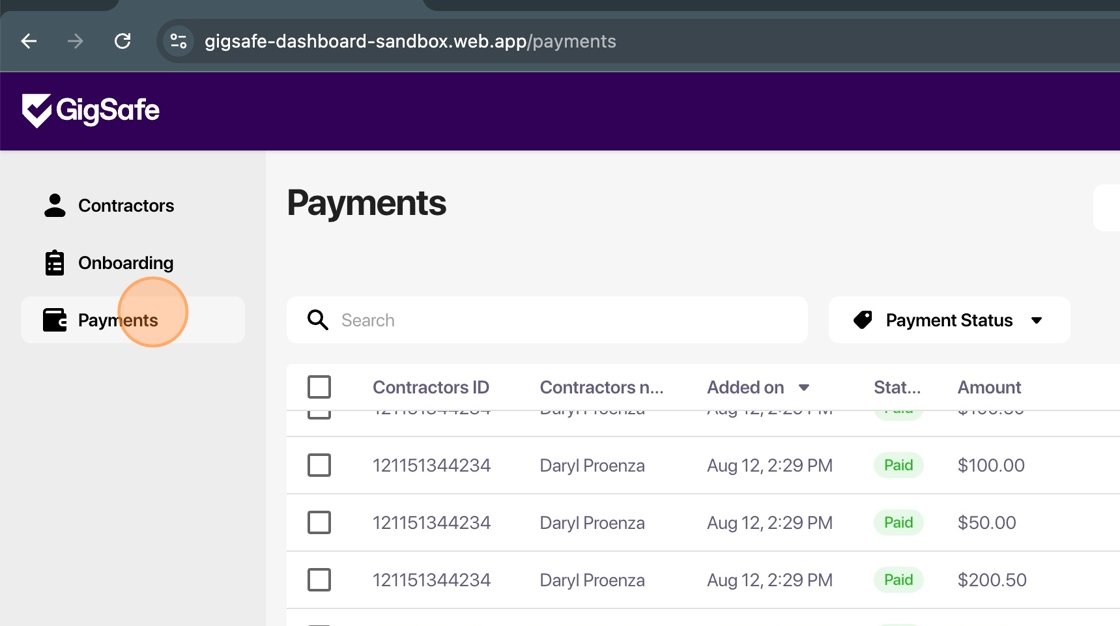
<aside> 👉 In order to process payments via GigSafe you will need to be set up in our system. If you don’t see a Payments tab on the lefthand side of your dashboard, please contact [email protected].
</aside>
<aside> 💲
All funds for contractor payments must be wired (and settled in GigSafe’s account) PRIOR to processing payments.
Here is the GigSafe ACH information:
</aside>
<aside> ⚠️
Only fully onboarded contractors can be paid. If you need to pay a contractor that is not onboarded, please have them complete the process.
</aside>
<aside> 🏦
You will also need to set up a GoCardless Account for GigSafe invoicing. This will allow us to debit your account for all other invoiced amounts (not Contractor payments). Click here to complete that before launching payments.
</aside>
You have 2 options
Don't see the payments tab? Ask you system administrator about your account permissions.
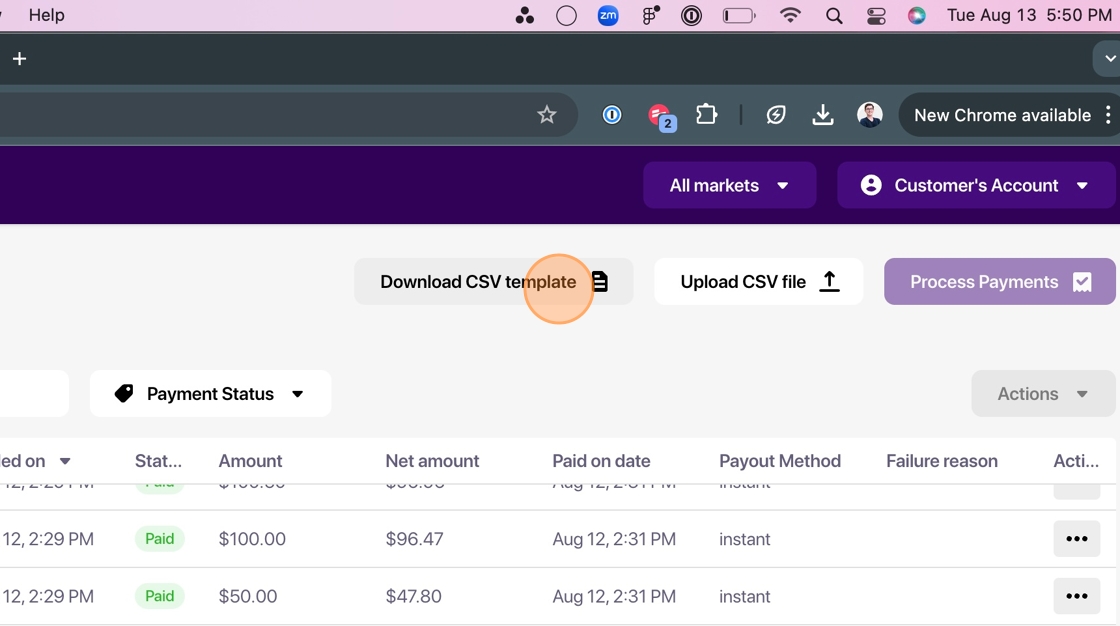

<aside> ⚠️ The partnerDriver ID must match an ID in the GigSafe system.
</aside>
<aside> ⚠️ Enter all amounts as dollars. Don’t use ‘$’ or separators ‘,’ in the sheet
</aside>