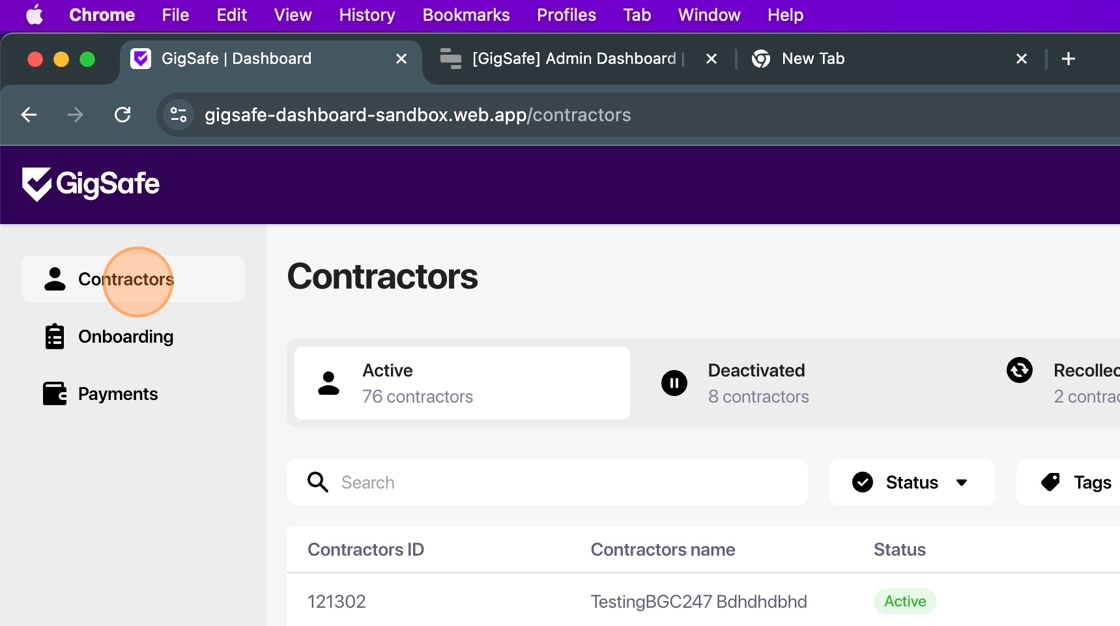
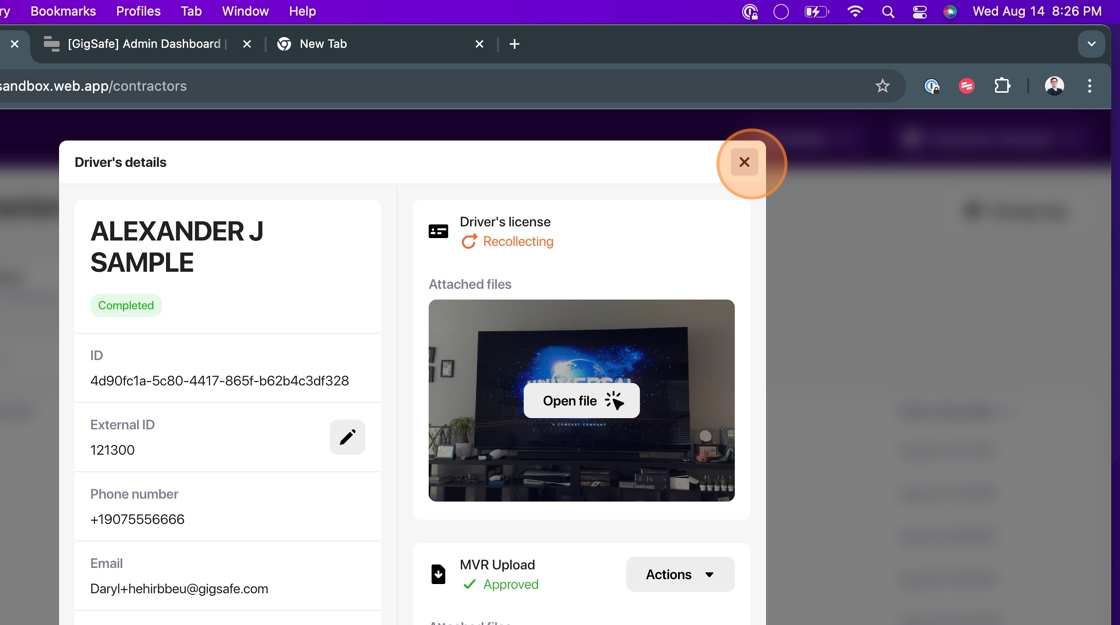
The GigSafe system should automatically maintain accurate documents on your behalf, but there are sometime scenarios where customers want to force a recollection. This guide outlines a straightforward process for manual recollection through to maintain accurate documentation.
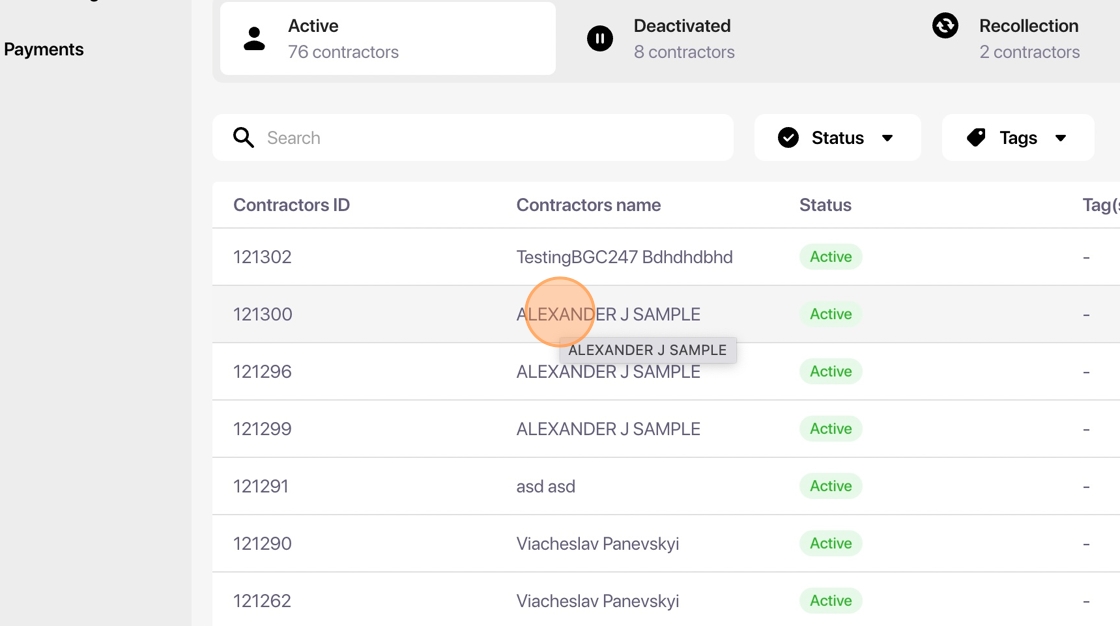
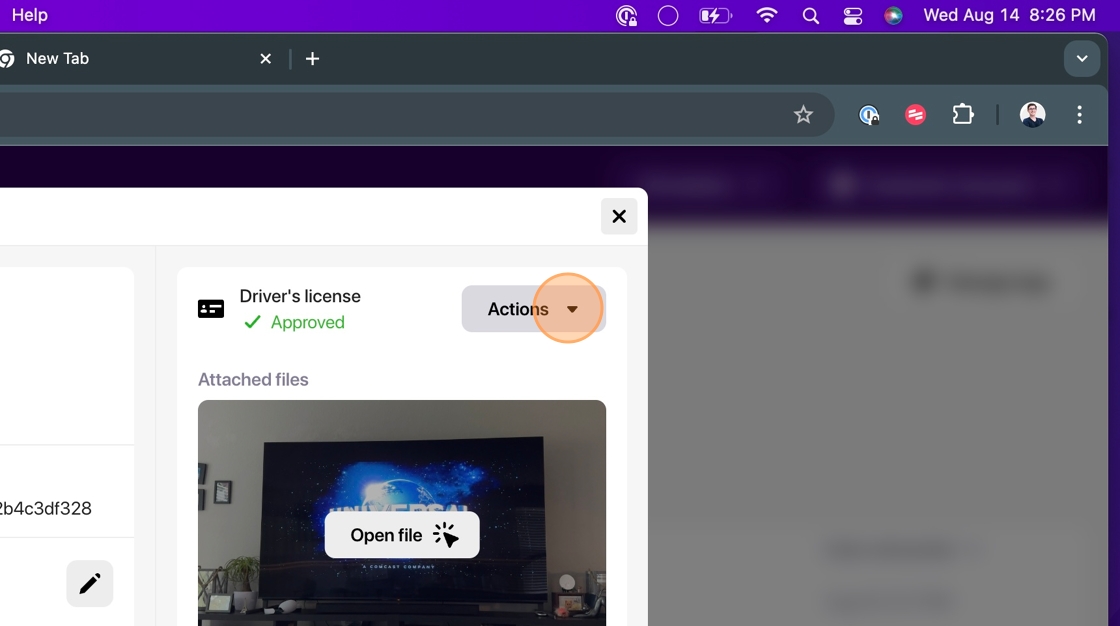
You can also manually send a link to the driver. Please see your onboarding email which will contain the recollection link. Or reach out to [email protected] who can provide you the link.
The link format: **https://onboarding.gigsafe.com/recollection/"customer-name"/sign-in**