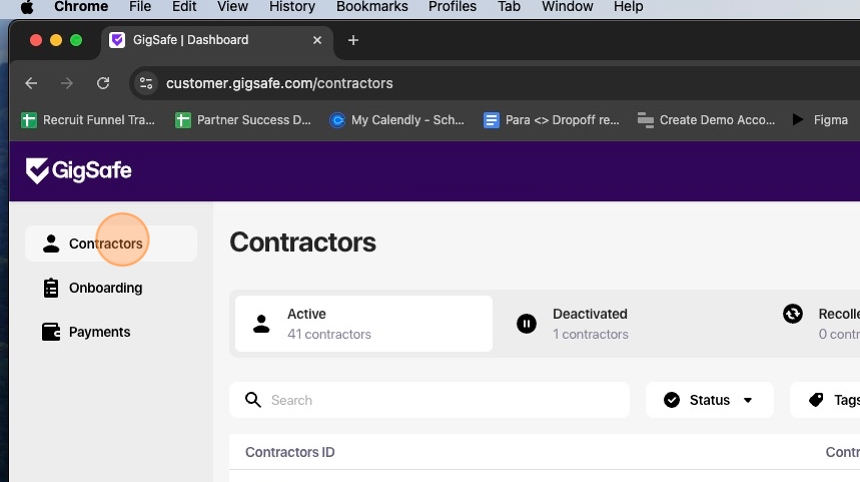
<aside> ⚠️ Drivers can only get paid once they are fully onboarded. Once onboarding is completed, they are managed in the <Contractors> tab
</aside>

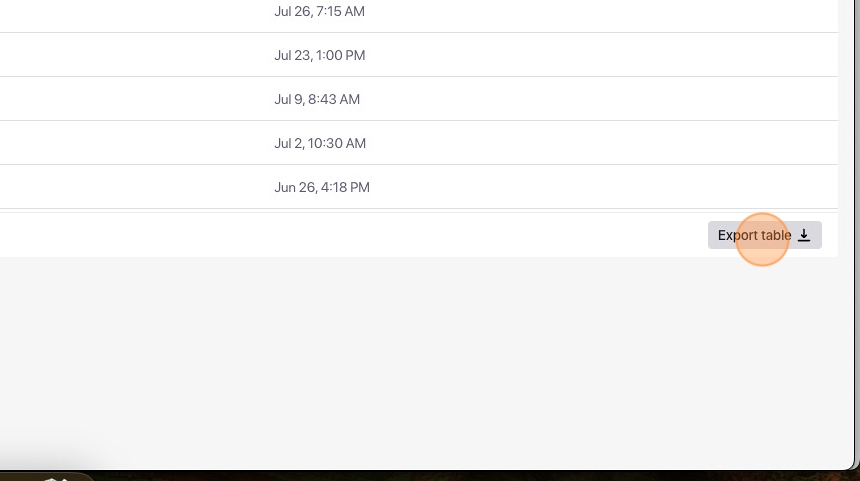

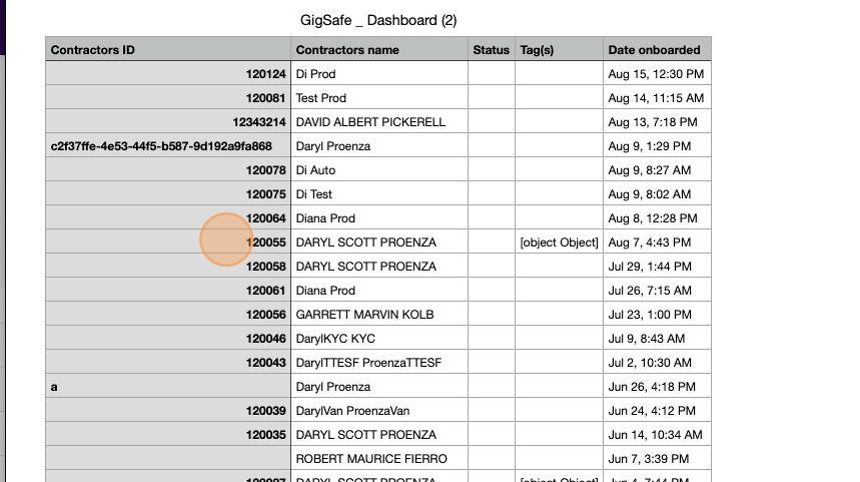
<aside> ⚠️ Reminder: Contractor IDs are automatically generated, unless you set them during bulk invite, or set them manually. Bulk Set Contractor IDs with Bulk Invite Manually Set Contractor ID
</aside>